WordPress vs Custom Development for a Corporate Website
Choose a corporate website approach around publishing, features and maintenance. Custom visual design and an established CMS can work together; compare the practical options.
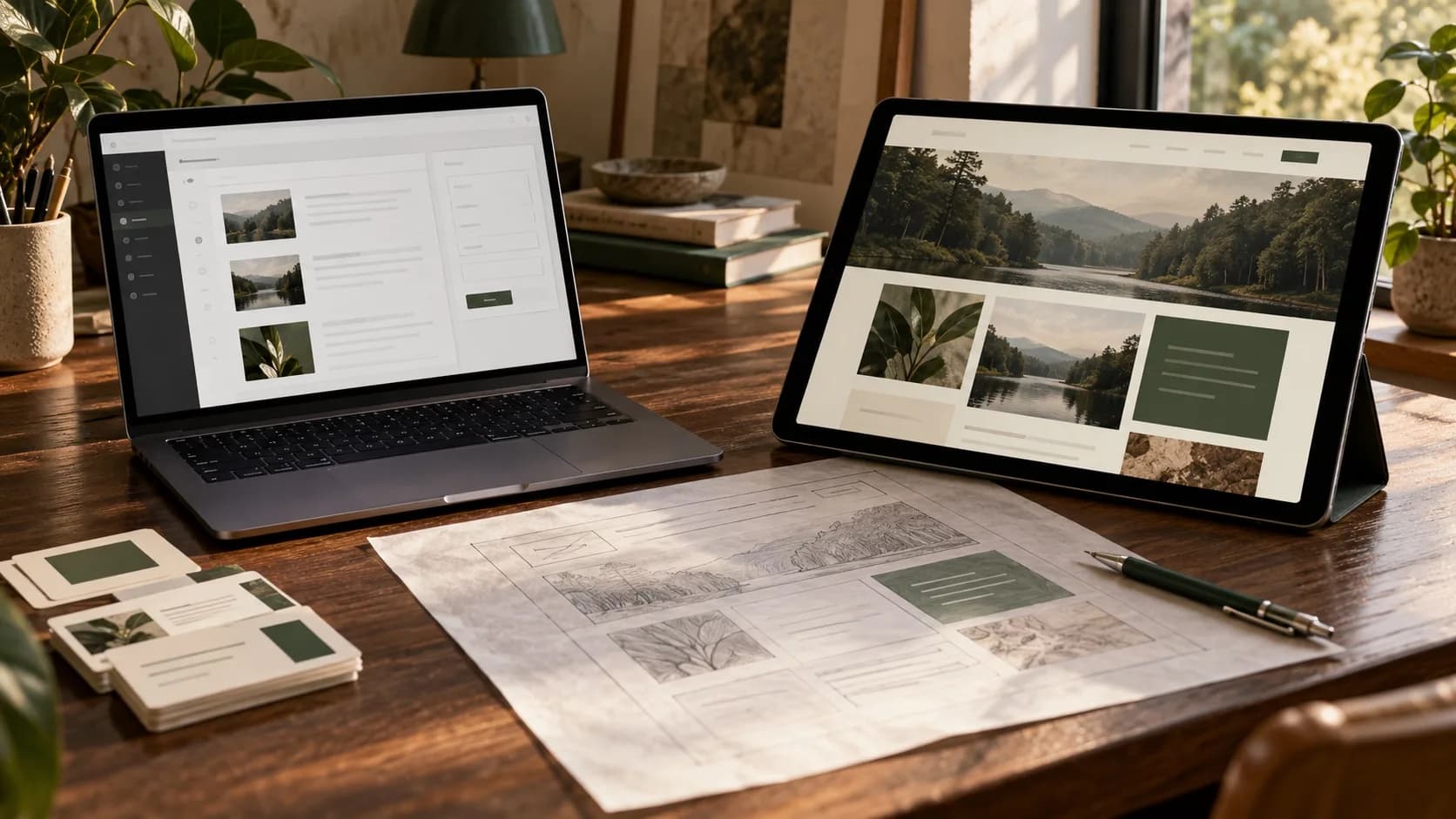
WordPress vs custom development is a practical business decision for a corporate website. Start with what visitors and your own team need to do. A mature content management system can be a useful starting point for publishing services, projects and articles. Distinctive workflows, permissions or operational features need a closer assessment of their own.
Separate three decisions before requesting proposals: visual design, content management and business logic. A site can have a bespoke visual identity, use WordPress for editing, and include a separately developed feature. This guide helps you evaluate the options for your project. No platform alone guarantees sales, security or search rankings.
Custom design does not require rebuilding every component
A WordPress site can use a custom theme and bespoke interface components. A custom frontend can also rely on an existing CMS for publishing. The appearance of a website does not tell you whether its administration tools, database and other components were written from scratch.
Ask the delivery team to explain what will be reused, adapted and built. The official WordPress REST API documentation describes using WordPress content in separate interfaces and applications. That capability makes different architectures possible; it does not establish that every corporate site needs a separate frontend.
Test the content team’s actual workflow first
Prepare a realistic task: a marketer adds a service, replaces its image, reviews the English version and sends a preview for approval. Ask to see how the proposed system handles that work. Clarify which changes an editor can make and which require a developer.
List content types, user roles and approval steps. Multiple languages or a growing article library do not automatically rule out WordPress; implementation and publishing requirements matter. A custom administration system also needs usable editing, preview and training. Those are deliverables to define, rather than assumptions to leave unspoken.

Demonstrate the requirement for custom functionality
“CRM integration” is not yet a scope that can be estimated. Does a contact form simply send a message, or must requests reach different owners according to product, territory and access rules? Who notices a failed delivery? Can the customer see the progress of an enquiry? Describe the behaviour you need.
A supported plugin or a focused WordPress extension may be sufficient. A separate application may provide a clearer boundary for some operational logic. Request a testable example and examine the dependencies: documentation for the connected system, access permissions, a test environment and support ownership. One integration does not automatically justify rebuilding the whole website.
Compare the build and the work that follows it
Give suppliers a common scope and ask them to separate design, development, content, service licences, hosting and maintenance. One proposal may include training and content migration, while another covers only page construction. A total without those details does not provide a fair comparison.
Ask how later changes will be handled: adding a content type, replacing a form or introducing another integration. For WordPress, review theme and plugin dependencies and compatibility. For custom development, examine documentation, repository access and the practical ability to continue with another team. Our industrial website cost guide explains how to separate estimate categories; that approach is also useful for corporate sites.
Turn security, performance and SEO into acceptance criteria
Instead of accepting “this platform is secure”, establish responsibility for updates, access control, backups and recovery. The WordPress security guidance discusses maintenance, trusted sources and recovery preparation. Custom software also needs security review, dependency maintenance and continuing operational care.
For performance, examine a realistic mobile page with its intended images, fonts and third-party tools. An empty demonstration page is not enough. For SEO, define control over titles, descriptions, URLs, language versions and redirects. Google’s SEO Starter Guide offers no automatic route to a first-place ranking. A CMS name cannot replace useful content and sound implementation.
WordPress vs custom development: compare three delivery routes
The options are not limited to two fixed packages. Use the table below to start a discussion, then assess the documented requirements and the people who will operate the website after handover.
| Route | When to assess it | What to clarify |
|---|---|---|
| WordPress with tailored design | Publishing is central and the required features fit the proposed structure. | Editing, dependencies, languages and maintenance |
| Existing CMS with a custom frontend | A particular presentation experience and established editing tools are both requirements. | Previews, publication timing and ownership of both parts |
| Custom operational feature or application | Distinctive rules and workflows are a significant part of the problem. | Administration, security, documentation and future development |
With a separate frontend, features such as content previews and coordinated publishing need deliberate implementation. That architecture can be appropriate, but it also brings coordination work and responsibilities. Appearing more modern is not sufficient justification on its own.
Two hypothetical situations make the trade-offs clearer
A professional services company: the marketing team publishes services, articles and project pages, while enquiries arrive through a contact form. Start by assessing an established CMS with a tailored design. Whether a separate frontend is worthwhile depends on the required experience and the available maintenance capability.
A supplier with a customer portal: customers sign in, access documents according to their permissions and submit requests with several approval stages. The operational part deserves a separate analysis, while the public company website can still use a CMS. These are hypothetical examples, not descriptions of actual client contracts, costs or results.
Put these requirements in writing before selecting a team
- The key visitor and editor tasks, with a realistic example.
- Content types, languages, user roles and approval steps.
- Essential launch features and features that can wait.
- Integrations, data readiness and access needed for assessment.
- Training, documentation, access and information needed for a future handover.
- Maintenance ownership and the process for estimating later changes.
Ask each team to show how its proposal meets those same requirements and which assumptions still need investigation. A reasoned explanation and a testable example provide a stronger basis for choosing a supplier than a list of technology names.
Start with the work your website needs to do
For a related example, explore the Thermopex project: a multilingual website presenting engineering materials and technical documents. It demonstrates one particular project, rather than a universal architecture for every business.
If you are planning a corporate website or redesign, see Ravand’s design and development capabilities. Then start a conversation with your requirements, the current website and the content team’s responsibilities. Those inputs give us a useful basis for discussing an appropriate approach and a scope that can be estimated.